Source: 订阅
After the v3.0.0 update, the Discovery page supports subscription functionality.
The subscription feature helps you proactively track academic updates, supporting both RSS subscriptions and journal subscriptions. Newly published references will be automatically pushed to the Discovery page, eliminating the need for repeated manual searches.
Note: Subscription data is currently stored locally.
Adding an RSS Subscription
RSS subscriptions fetch update content from target sources via RSS links, suitable for journals, blogs, news sites, and other platforms that support RSS output.
Click the add button at the bottom of the left sidebar, and select “RSS Subscription” from the dropdown list.
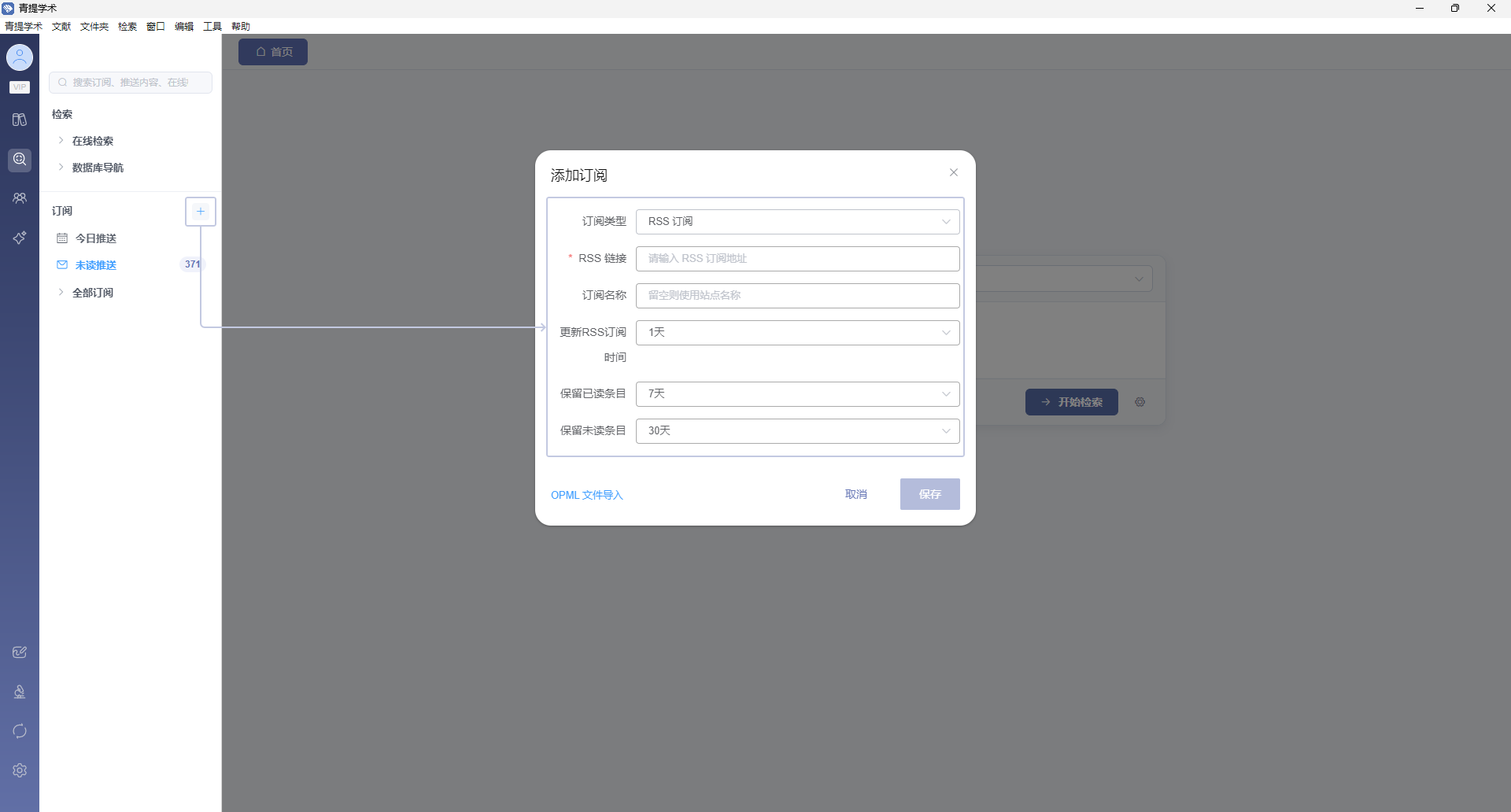
Method 1: Enter RSS Link
- Enter the RSS link created from a database website, news site, etc. (required). The system will automatically verify the link availability.
- Enter a subscription name (optional; if left blank, the recognized content will be used as the name).
- Click “Save” to complete the addition.
Method 2: Import OPML File
- Click “Select OPML File to Import”.
- Select the
.opmlfile in the pop-up file selection dialog. - The system will import after parsing is complete.
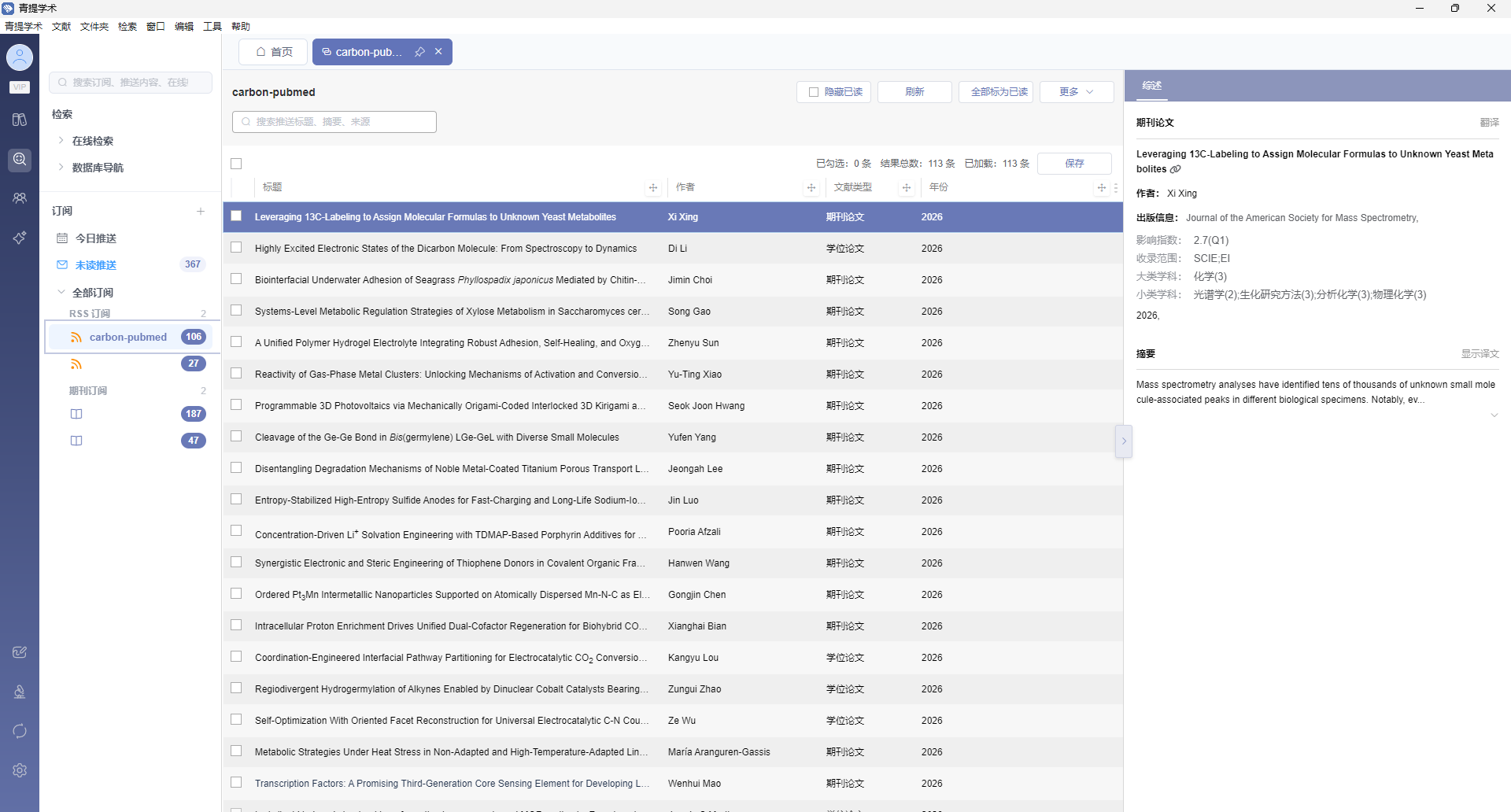
Adding a Journal Subscription
Journal subscriptions are based on the Wentian Academic Search journal database. After subscribing, new articles will be automatically pushed when published.
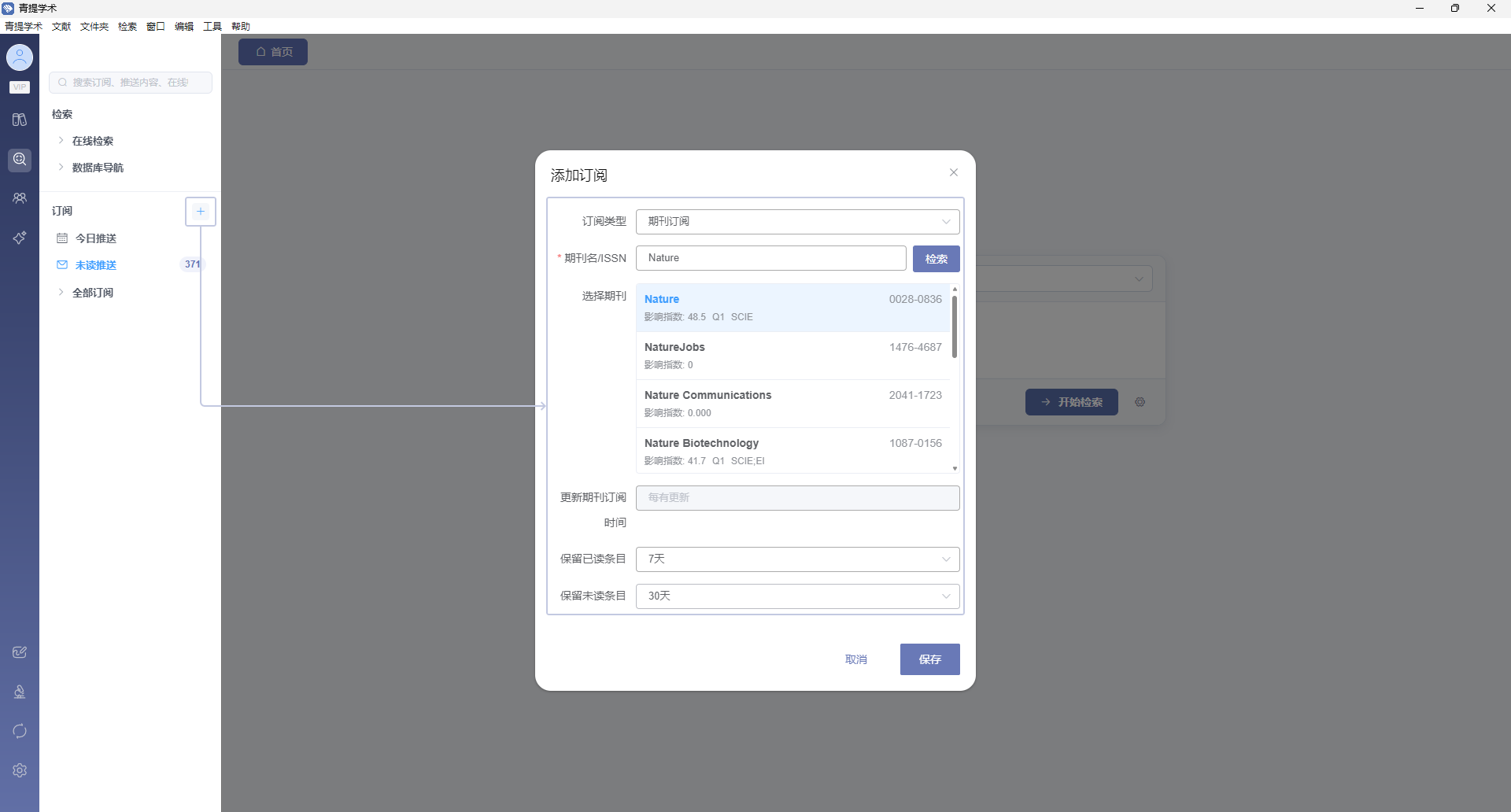
- Select “Journal Subscription” in the add subscription dialog.
- Enter the journal name or ISSN in the journal search box to search.
- Click the target journal in the returned journal list to select it.
- Click “Save” after confirmation to add the subscription.
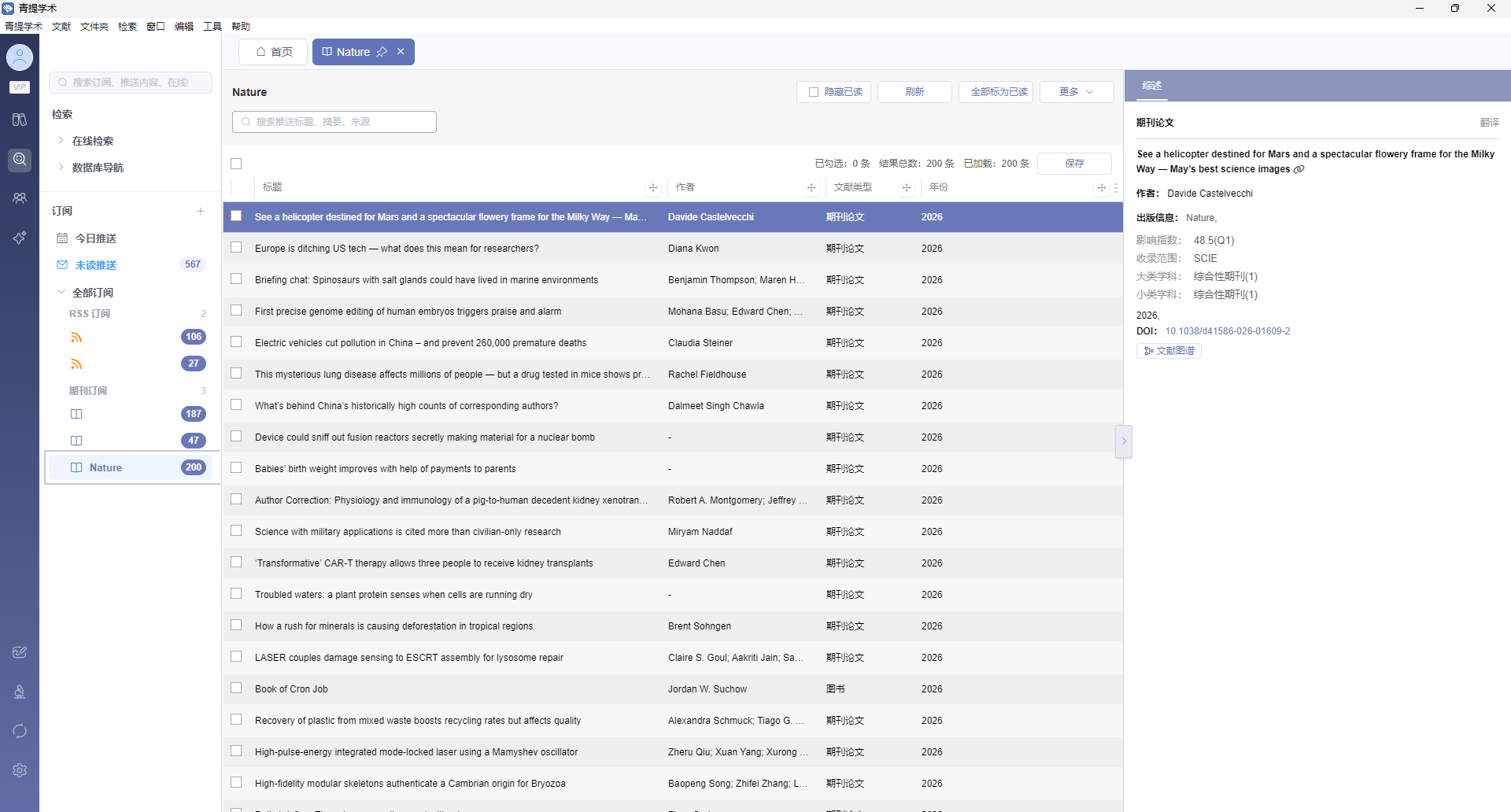
The update frequency for journal subscriptions is “push on update” and custom update intervals are not currently supported.
Subscription Settings
When adding or managing subscriptions, you can configure the update frequency and other settings:
- RSS subscriptions can select update frequency: 1/2/6/12 hours or 1/3/5/7 days.
- All subscriptions can select item retention period: 7/15/30/180 days.
Click “More Options - Manage Subscription” to reconfigure.
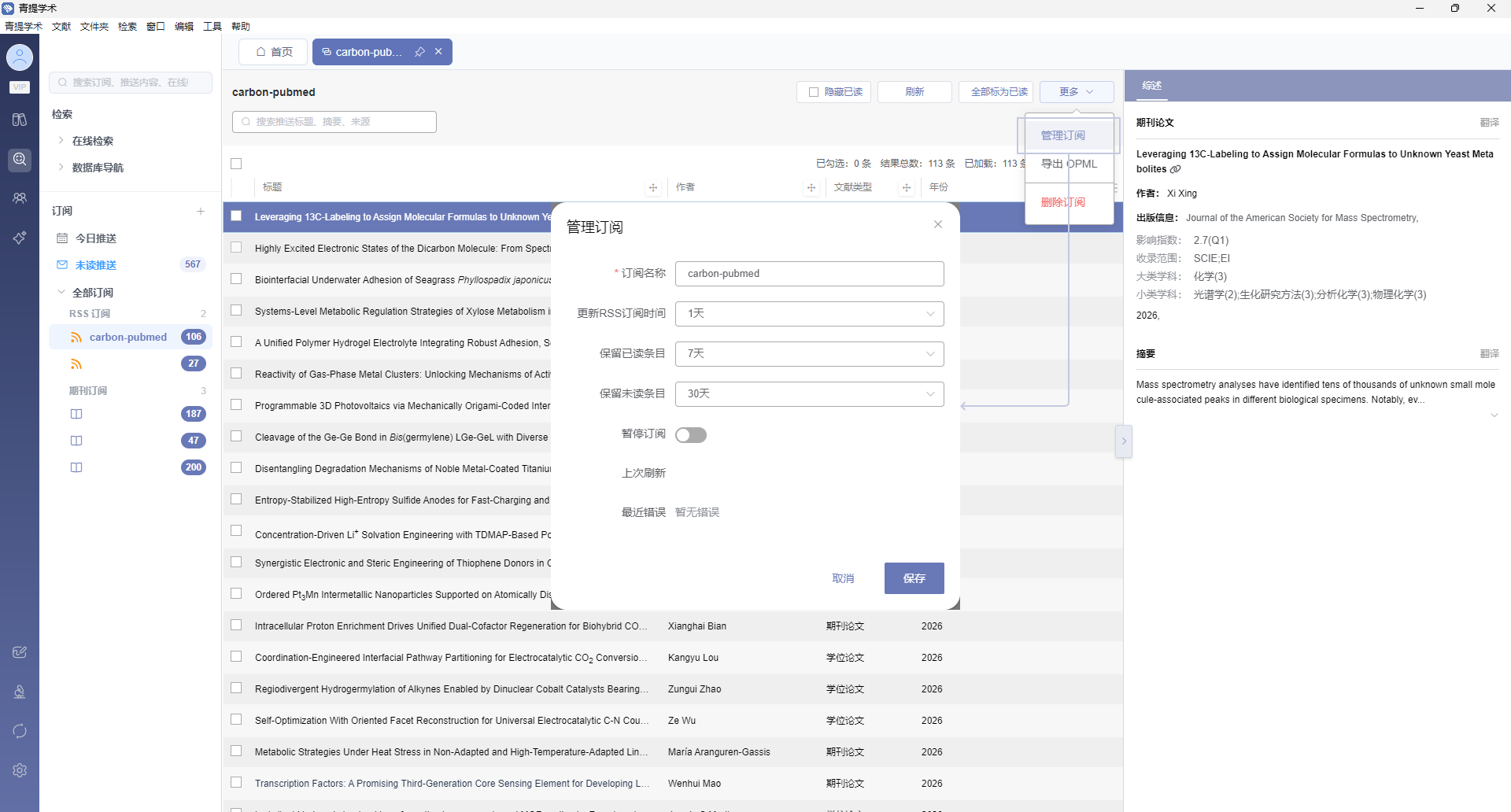
Subscription Notifications
When a subscribed source has updates, a numeric badge will appear in the top-left corner of the Discovery page. The badge disappears after clicking to enter the subscription page and viewing the updates.
