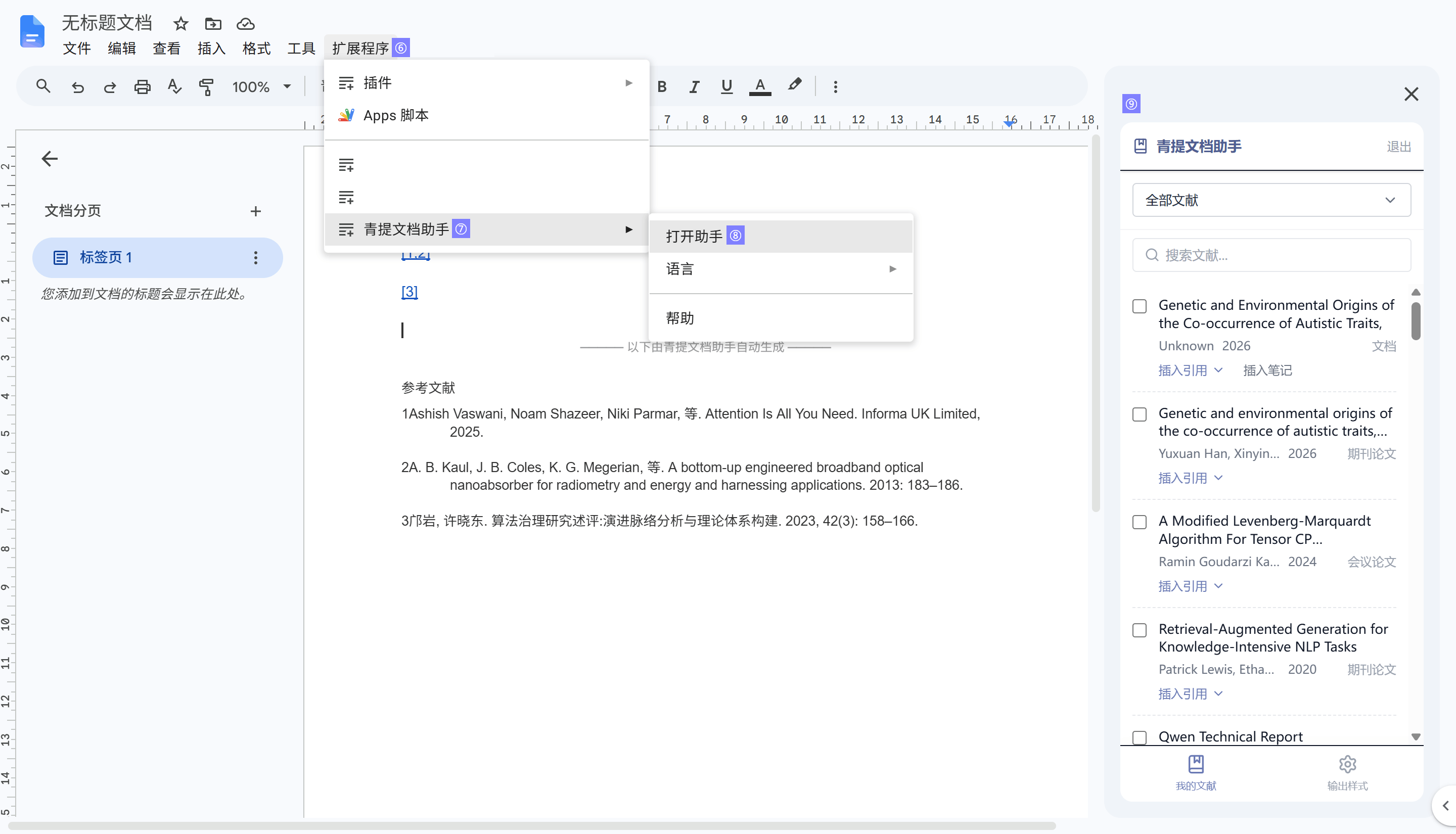
The macOS operating system supports using the CSL writing plugin in Microsoft Word, WPS Word, and Google™ Docs (browser-based).
Microsoft Word
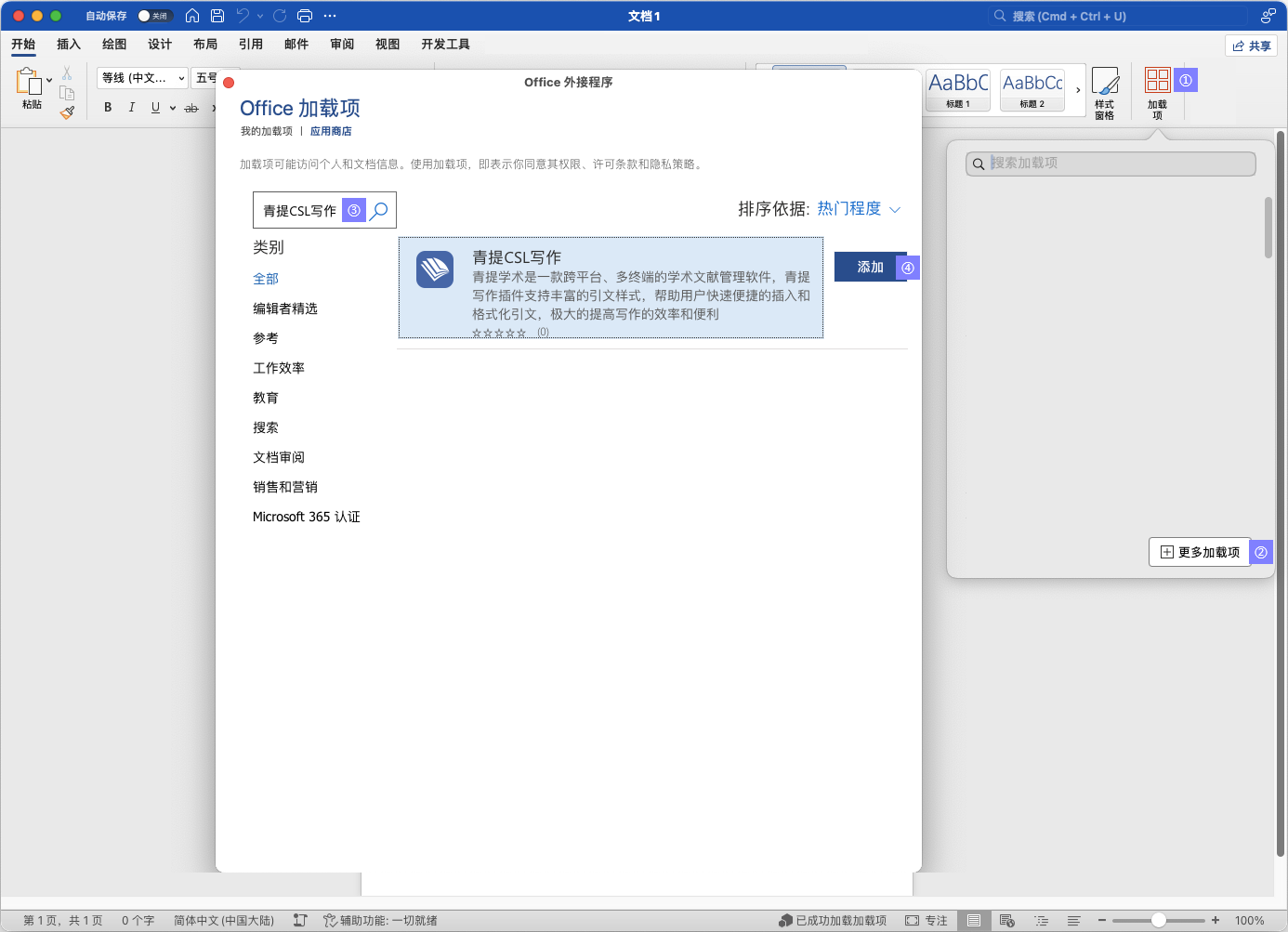
Open Microsoft Word, click on the Add-ins tab in the top ribbon, then select More Add-ins to open the App Store.
Search for “青提CSL写作”, and click Add to install it.
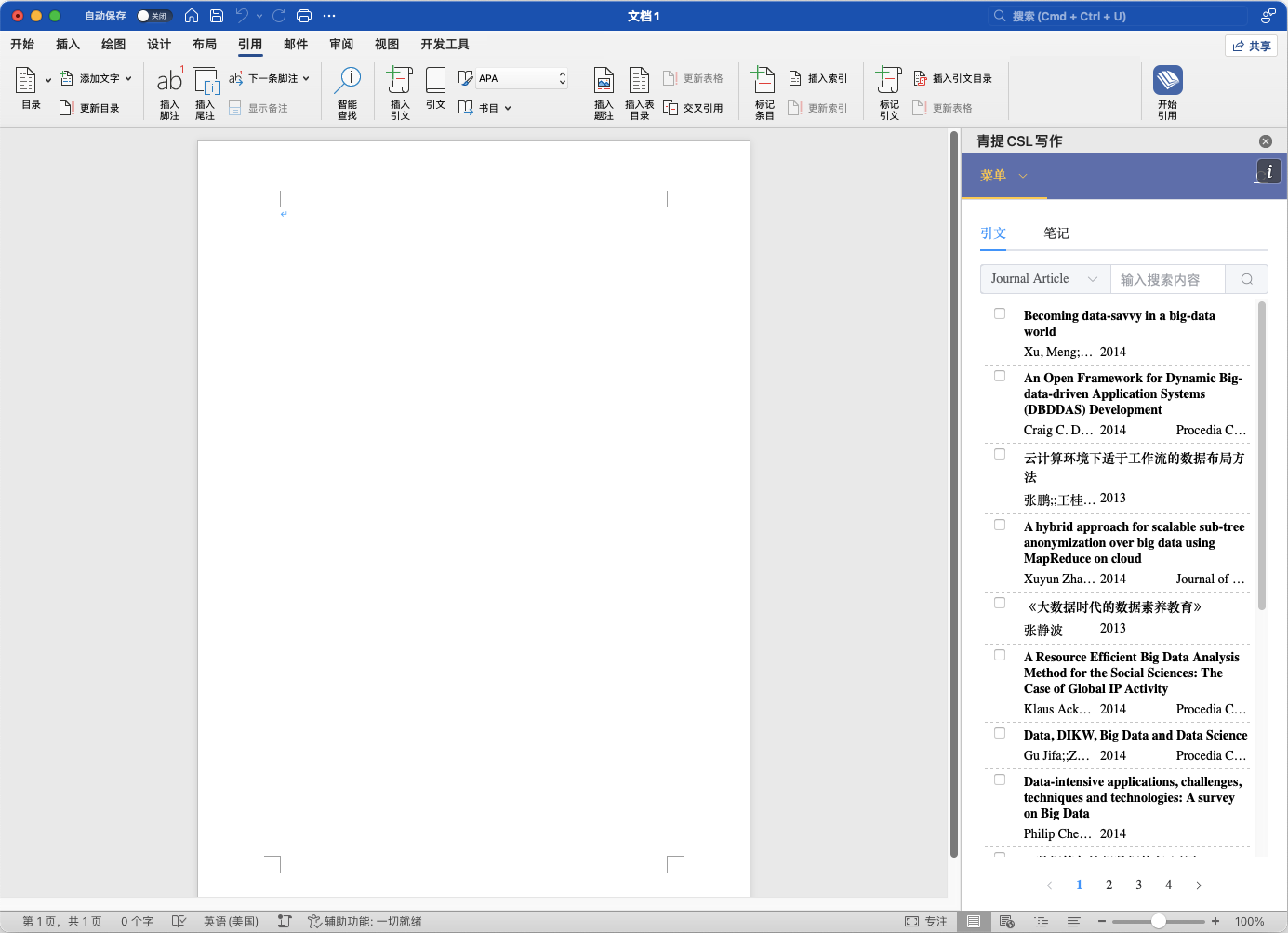
The first time it is added, the plugin will automatically open on the right side. If it is closed in the sidebar, you can re-enable it from the References tab.
It can also be obtained by Accessing the Store.
WPS Word
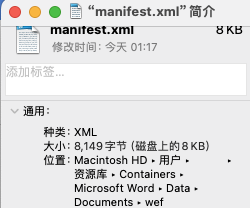
Click to download the CSL Writer plugin related files, and extract it to obtain the manifest.xml and publish.xml files for later use.
Copy the publish.xml file to the following directory, then restart WPS:
~/Library/Containers/com.kingsoft.wpsoffice.mac/Data/.kingsoft/wps/jsaddons/
Google™ Docs
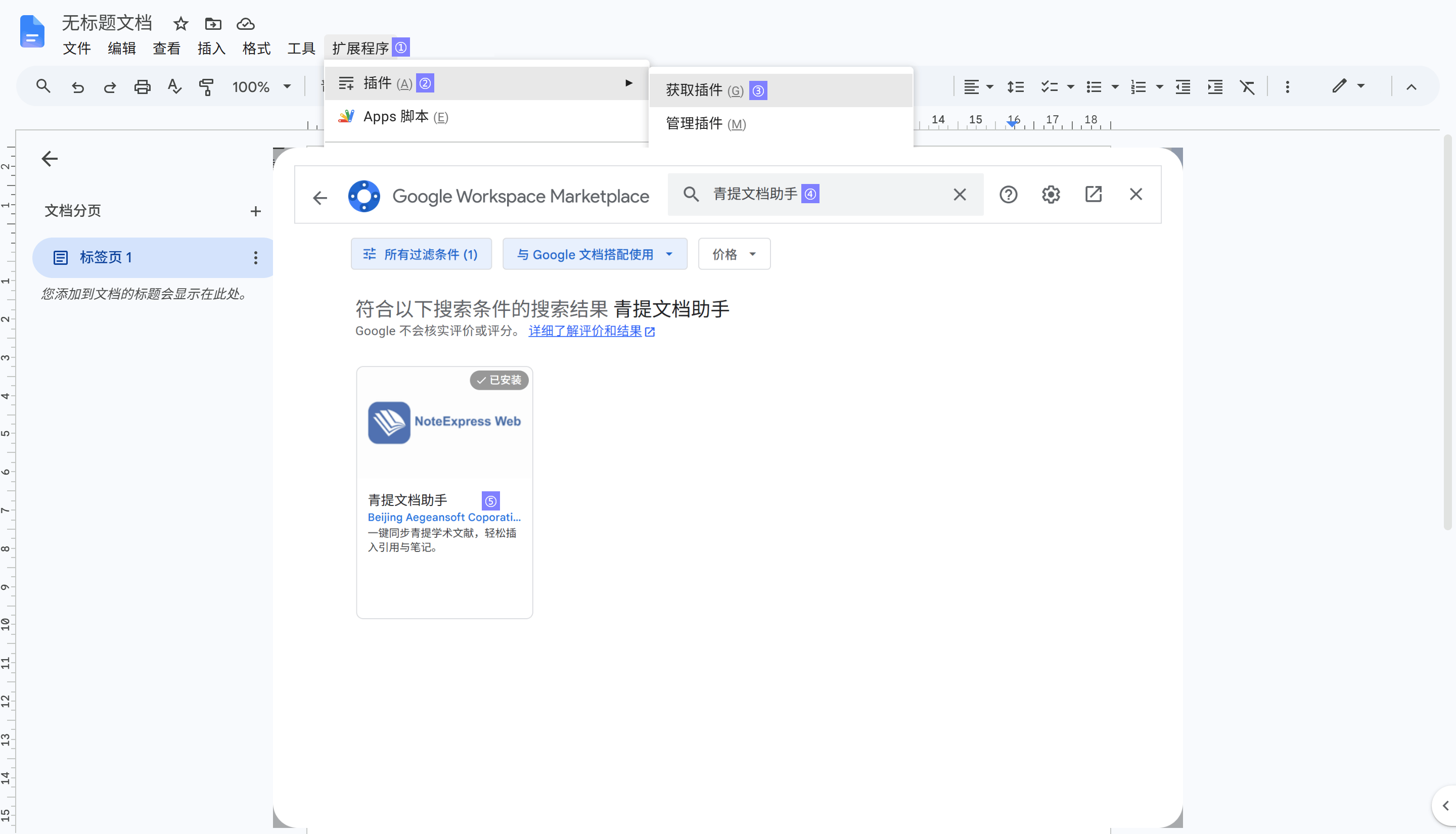
Open a Google™ Docs document, then go to Extensions > Add-ons > Get add-ons from the top menu to open the Google Workspace Marketplace. Search for and install NoteExpress Web.
After installation, go to Extensions > NoteExpress Web > Open Assistant.