Source: 自动下载全文
NoteExpress Web can automatically download full-text PDFs and associate them with reference records. Once downloaded, the full text is ready for reading.
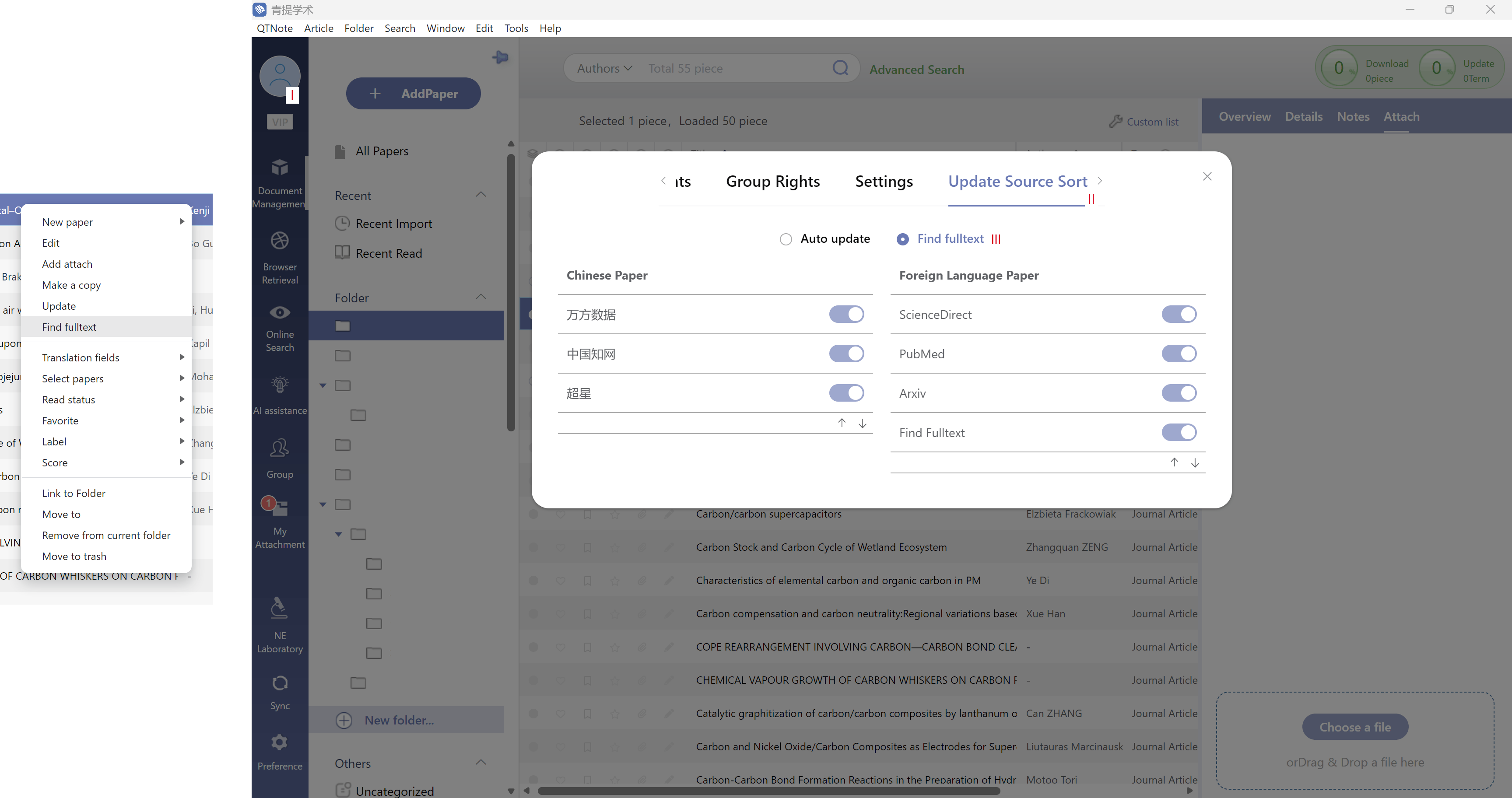
Supported Databases
- Wanfang (万方)
- CNKI
- Chaoxing (超星)
- PubMed
- ScienceDirect
- arXiv
How to Use
- Select the reference(s) for which you want to download full text
- Right-click and choose “Download Full Text”
The download can be triggered from:
- The right-click context menu in the reference list
- The Overview panel
- The Attachments panel
Managing Data Sources
Click your avatar, then go to Update Source Order to view and reorder the databases used for full-text downloads.
文档更新时间: 2026-06-04 17:24 作者:管理员
