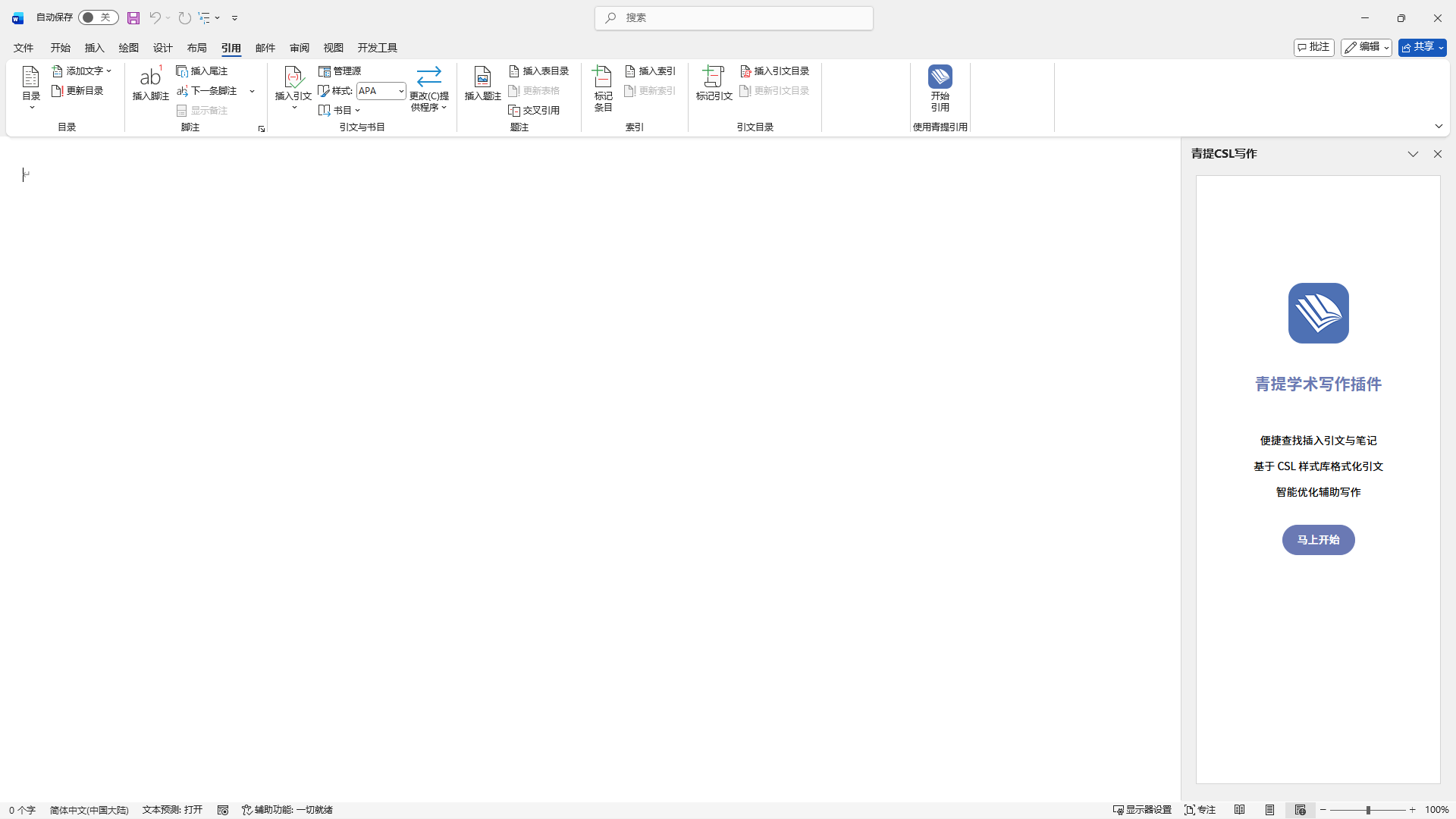
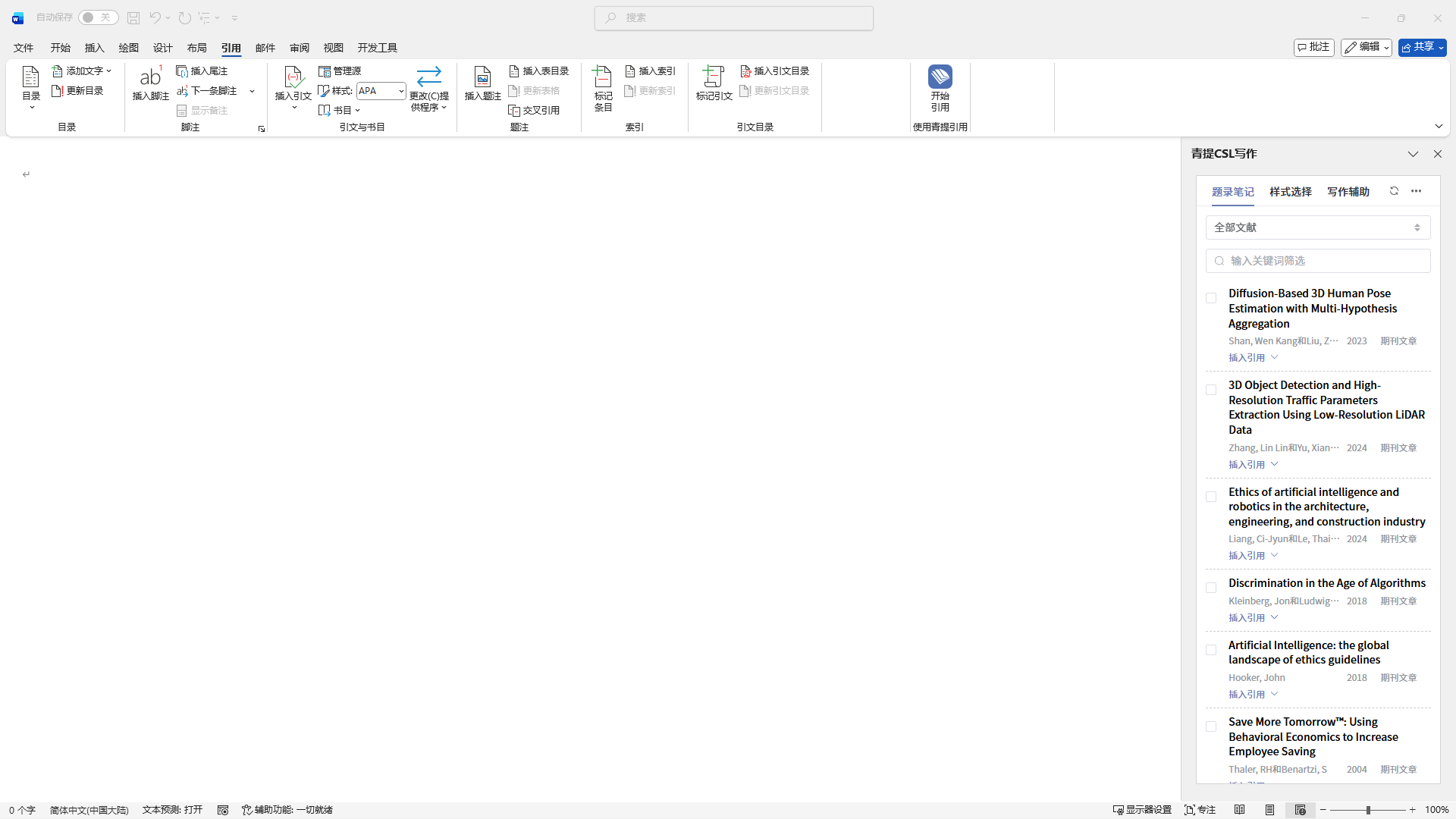
After installation, the plugin will be displayed in the sidebar.
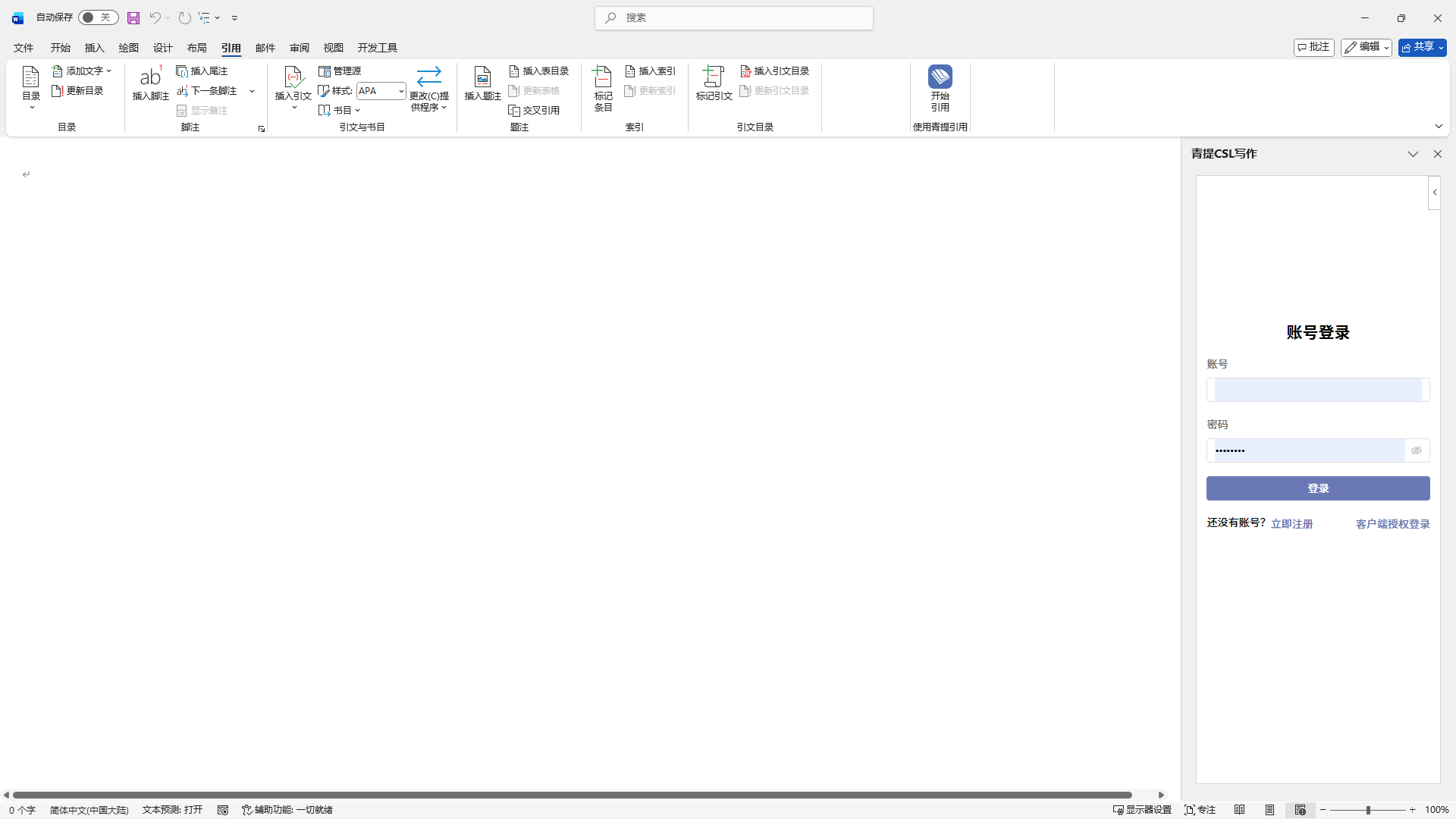
• You can directly log in by entering your account credentials.
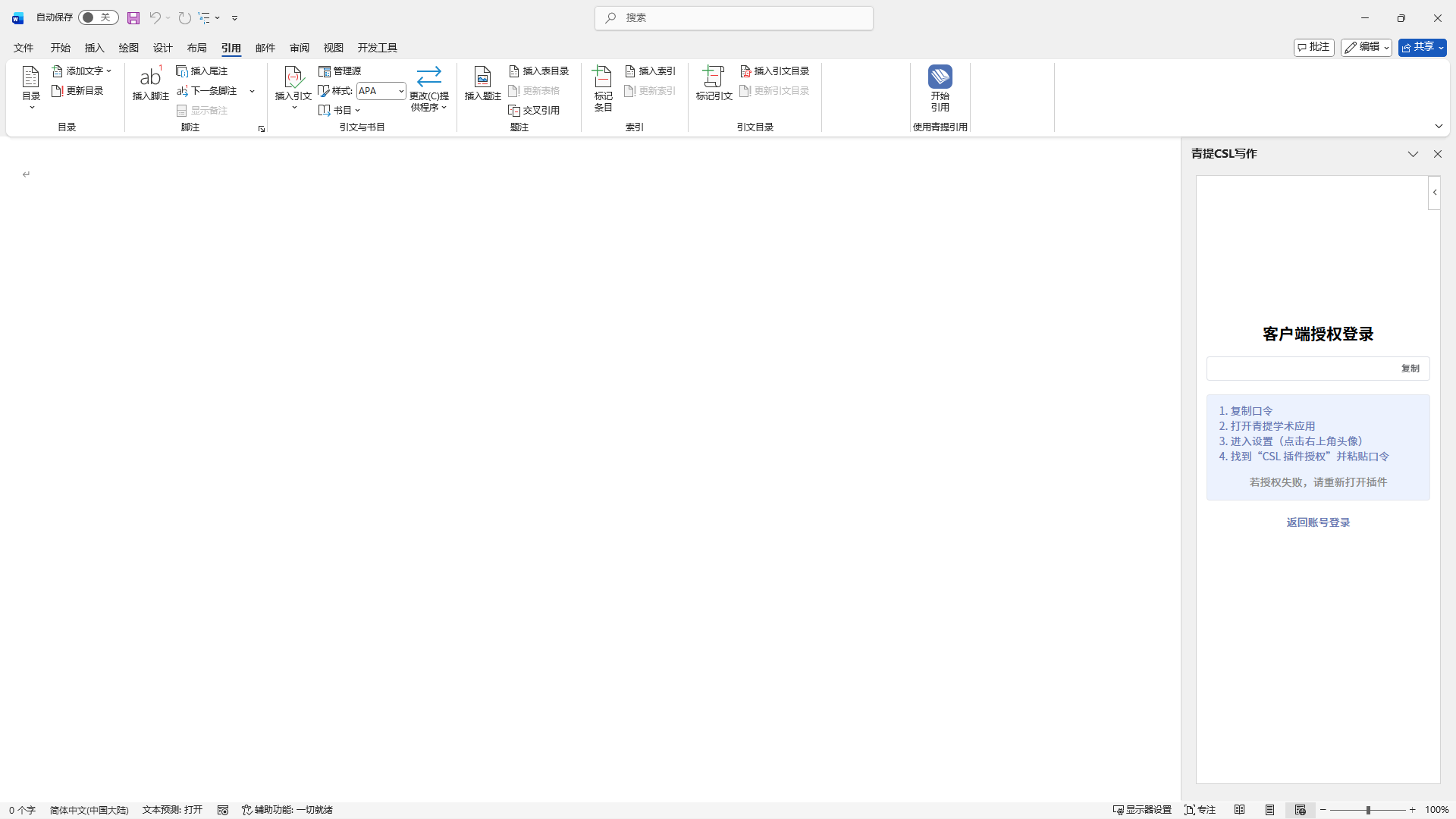
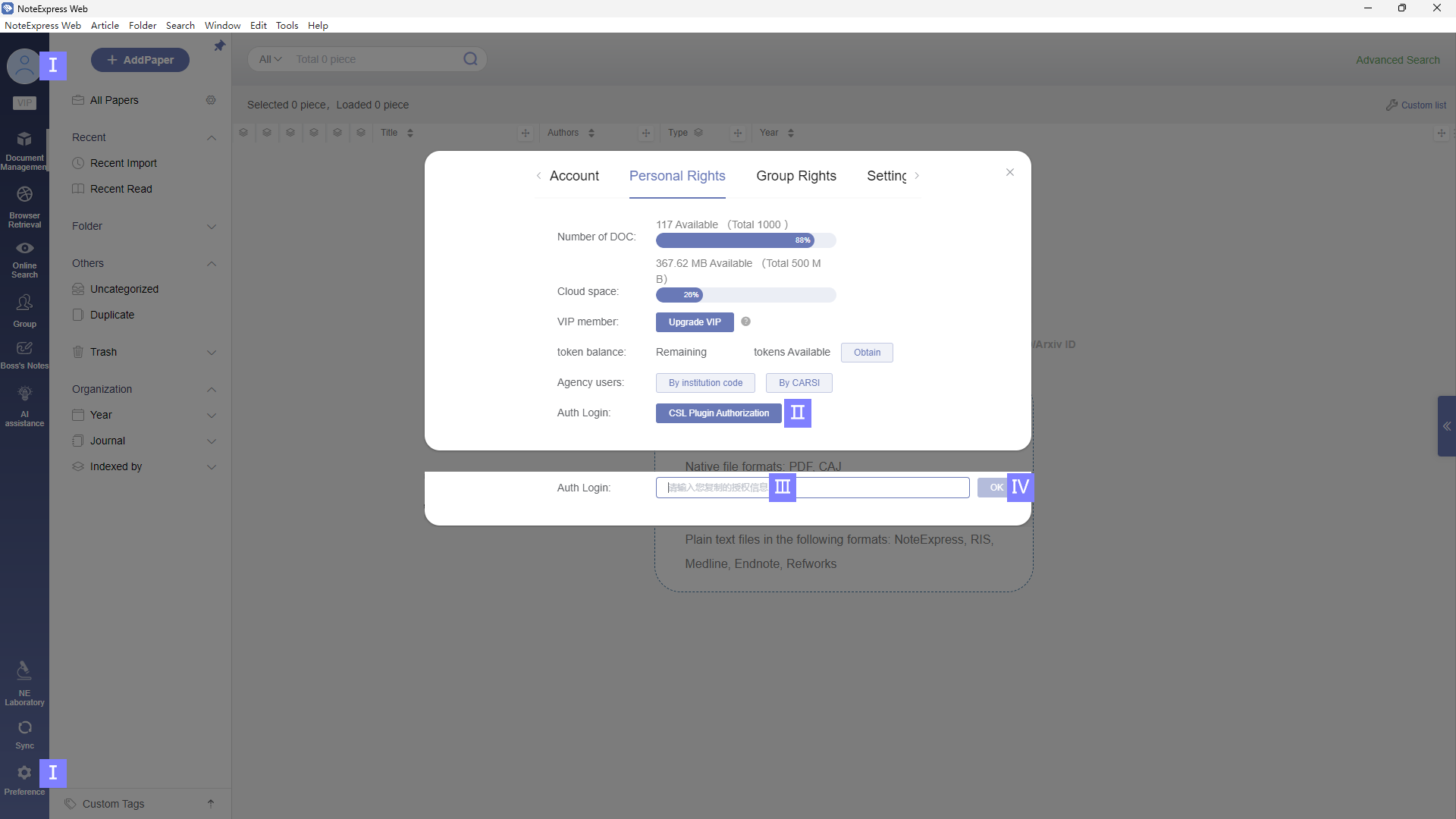
• Alternatively, you can log in by clicking “Client Authorization Login”, copying the login token, then opening the main NoteExpress Web program -> Avatar/Preference -> Personal Rights -> clicking on “CSL Plugin Authorization” -> pasting the token to authorize.
All articles from the NoteExpress Web library will be synchronized and displayed within the CSL plugin.
文档更新时间: 2025-12-15 16:11 作者:管理员
